Night Swimmer

$0
Type: Experts
Seller: Amir Hossein Moharreri
Published: 25 November 2023
Updated: 4 November 2024
Version: 2.4
Downloads: 4100





Night Swimmer is a powerful night scalping EA:
Experience night trading with Night Swimmer EA, an advance scalping system designed for low-volatile market conditions. it is important to use this EA with caution and only risk an amount you are comfortable with. We encourage you to backtest the EA with real ticks modelling and experiment with the settings to find the ones that work best for you.
Before entrusting real funds to this EA, conduct forward testing to thoroughly grasp its behavior.
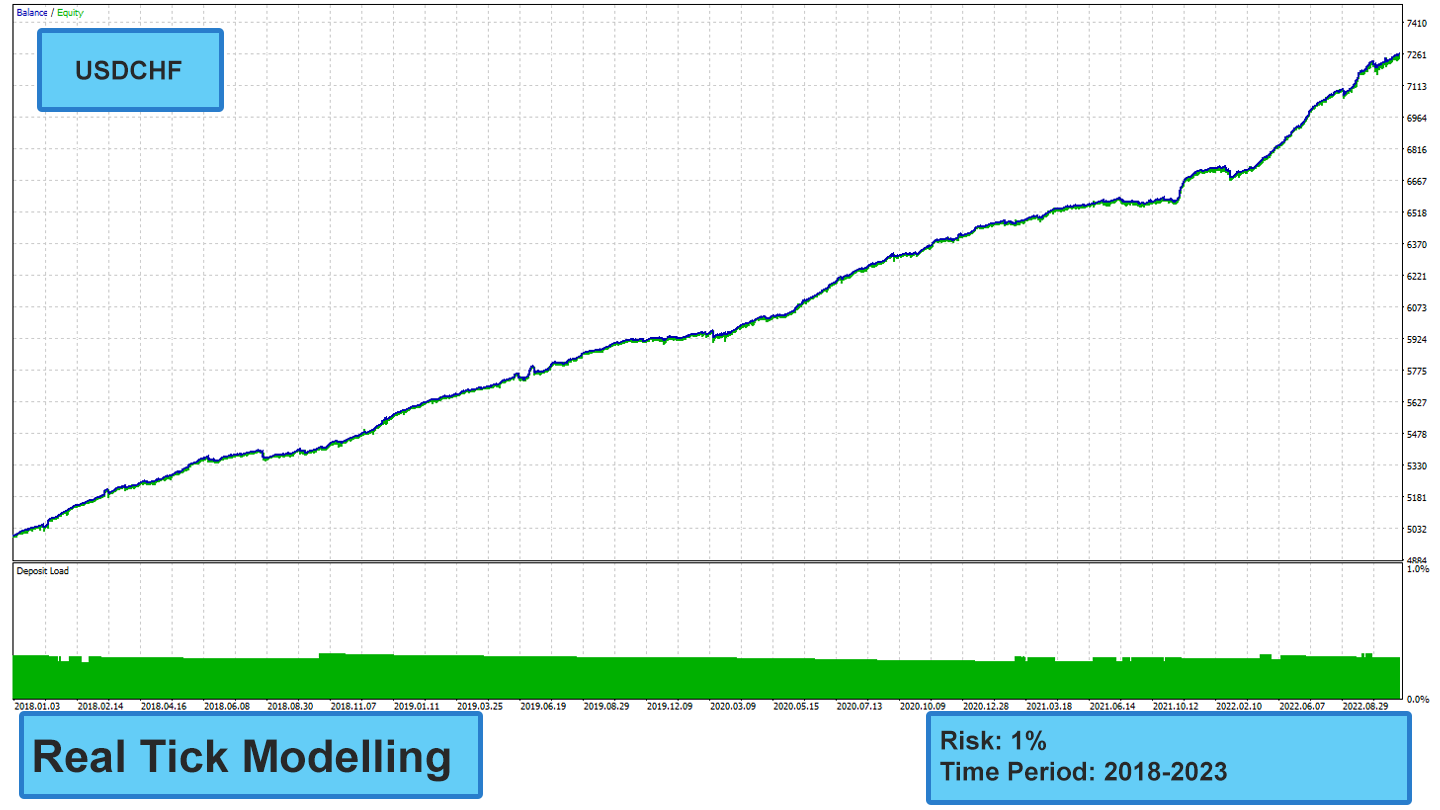
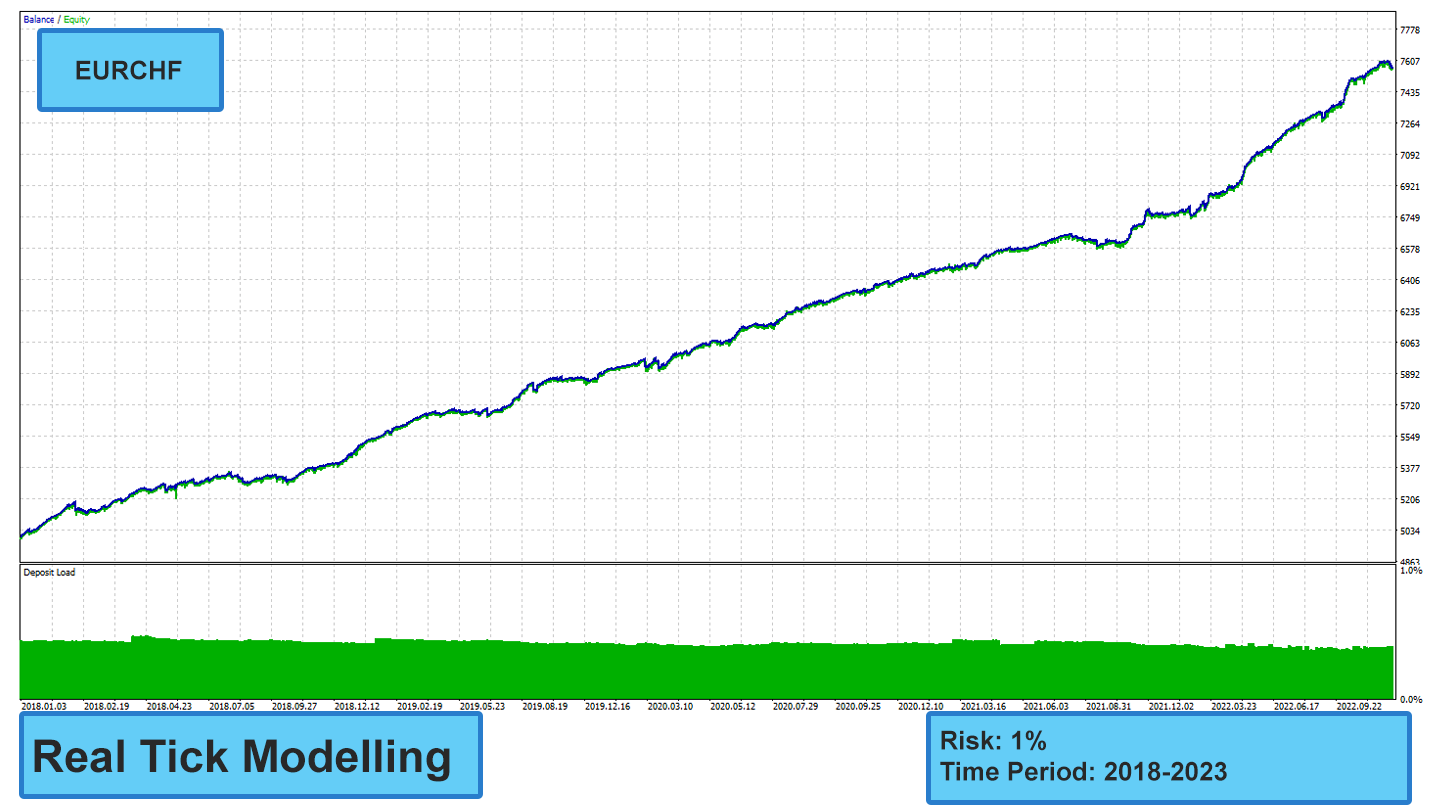
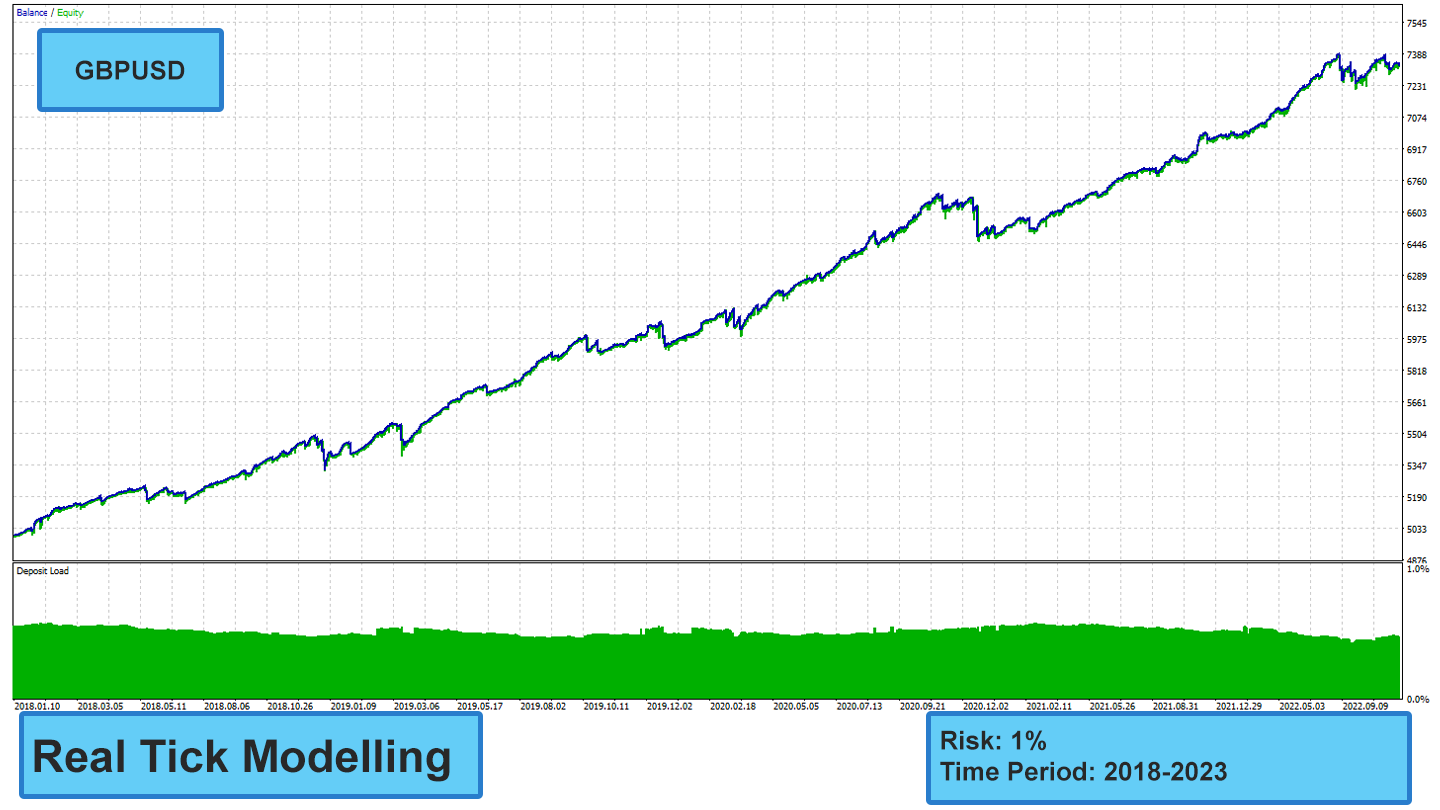
- Recommended symbols: EURUSD, GBPUSD, EURCHF, USDCHF
- Recommended timeframe: M5 (5 minute chart)
Features:
- Optimized for Night Trading: Our EA is specifically tailored to exploit the distinct characteristics of the night market, where price movements tend to be more predictable and less volatile.
- Mean Reversion Strategy: The EA capitalizes on the tendency of prices to revert to their average values, capturing short-term price fluctuations for consistent gains.
- Smart Functionality: Our EA incorporates a sophisticated algorithm that intelligently identifies underperforming trades. By analyzing market conditions and trade performance, the EA can automatically close out losing positions at optimal price points, effectively minimizing potential losses.
Requirements:
- Hedging account
- Run continuously on VPS (to ensure uninterrupted trading)
- Sensitive to spread, a good ECN account is necessary
- Swap-Free account is not necessary but it is recommended
Recommended broker to use for this EA --------->
Looking for a high quality EA?
Check out my other EA -------->
Recommended setup:
Attach the EA to 5-minute (M5) chart of recommended pairs. You can use set files in the comment section. These set files are based on GMT+3. If your broker server uses different time zone, you should change time settings of the EA in set files.
if you attach the EA to multiple charts, please make sure they have different magic numbers.
Still Struggling with Time Settings? Follow this
EA parameters:
Money Management
Lots: Calculation of initial lot size based on fixed lots
Risk Percent (0 = Fix): Calculation of the initial lot size based on a percentage of your account capital at risk for each trade. if set to 0, it will use Lots parameter
Stop Loss: Sets a price threshold (in points) at which a trade automatically closes to limit potential losses
Take Profit: Sets a price threshold (in points) at which a trade automatically closes to earn the profit
Break Even: If set to true, this feature automatically adjusts the take profit (TP) level downwards to exit trade without profit, limiting potential losses.
Activate Break Even after ? Points in Loss: After losing ? points, the take profit automatically trails at break-even
Adjust Break Even (Points): By using this parameter, you can adjust the break-even point, which is not necessarily the exact same as your position's entry price
Smart Close: If set to true, the EA automatically closes open positions based on market behavior to manage risk and potentially secure profits, even before reaching the set Stop Loss (SL) or Take Profit (TP) levels
Time Settings
Please note this EA is designed for Australian forex session, the set files are based on the GMT+3 time zone. that the EA starts trading in Australian forex session.
Start Hour: This is the hour at which the EA will be activated.
Start Minute: This is the minute at which the EA will be activated
End Hour: This is the hour at which the EA will be deactivated
End Minute: This is the minute at which the EA will be deactivated
Not Friday: If set to true, it will not trade on Fridays
Max Volatility[(0-30):Weak, (30-100):Strong)]: This parameter sets the maximum allowed volatility for the market the EA will trade in. Higher values represent stronger volatility, and lower values represent weaker volatility. For example, if set to 20 (weak), the EA will only trade in markets with relatively low volatility, potentially reducing the number of trades it takes.
Caution Factor (%): Sets the EA's risk tolerance for entry. Higher values lead to fewer trades, while lower values allow for more frequent trades
Evaluate ? Latest Candles: Sets the amount of candles considered for calculations of the strategy
Max Spread: Max spread the EA will be allowed to enter a trade
GUI: Activates or deactivate the graphical information on the chart
Magic: This number should be unique for every EA in your account