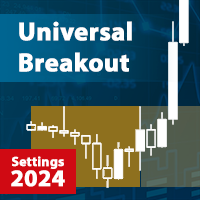
Universal Breakout MT5
$0
Type: Experts
Seller: Sergey Ermolov
Published: 11 February 2023
Updated: 26 March 2024
Version: 1.9
Downloads: 400





| | |
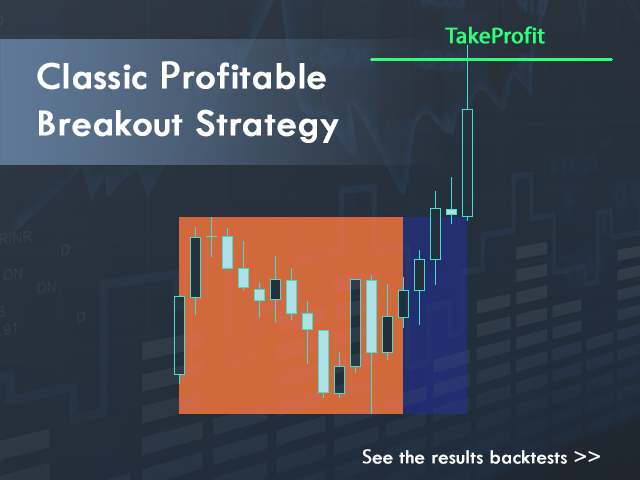
Universal Breakout is an Expert Advisor that trades on the classic price range breakout strategy. It can be set up for any strategy that involves price breaking out of the price band, which is set by the time interval.
For example: breakout of Asian, European or American trading session extremums, breakout of daily extremums or even the first H4 candle of Monday.
Telegram chat: @it_trader_chat
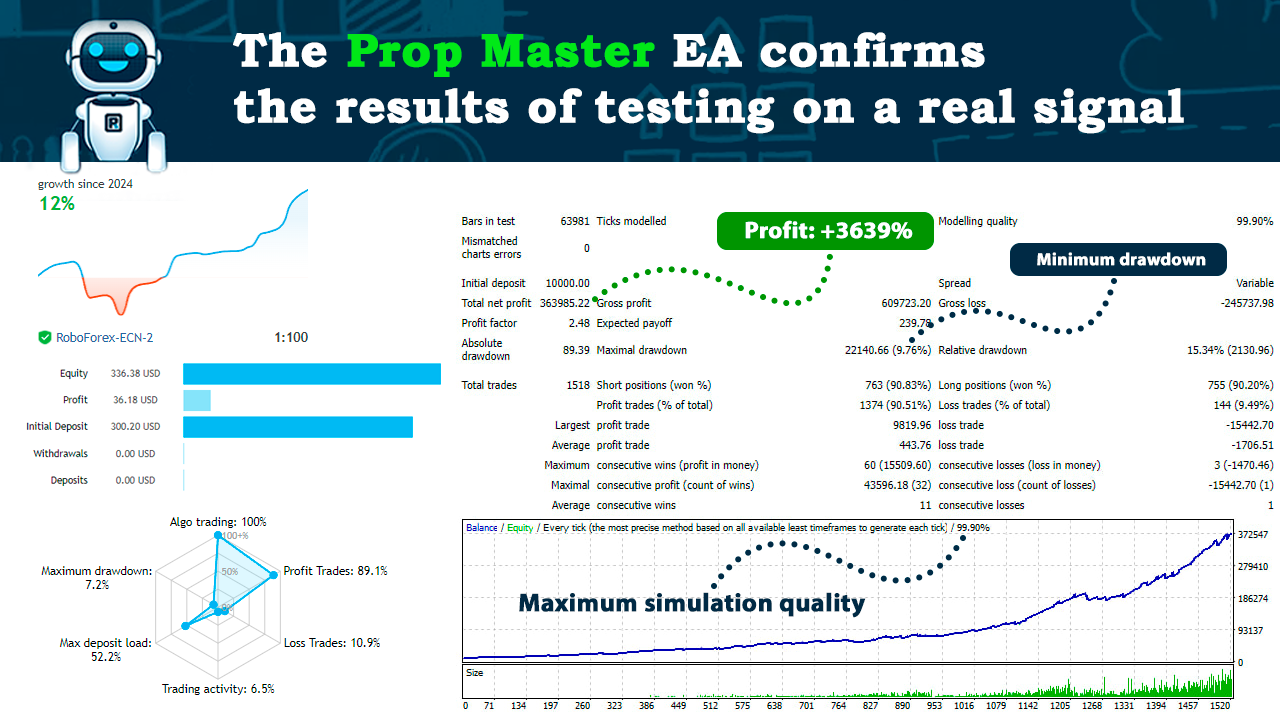
The new Expert Advisor Prop Master - test it in your trading terminal
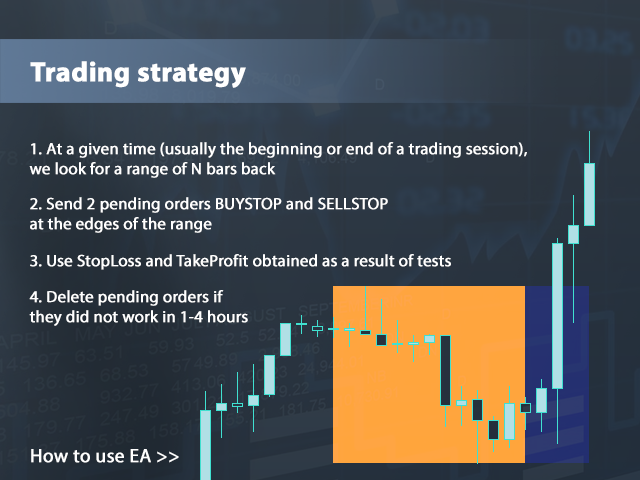
In the EA settings you set the time range over which the EA will search for the maximum and minimum price point. You also specify the hour when advisor will place pending orders. In this hour advisor will place two pending orders BUYSTOP and SELLSTOP on the levels of maximum and minimum price of the range.
In case the pending orders were not executed within a certain period of time (can be set in the settings), these orders will be deleted by advisor and is waiting for the next trading day.
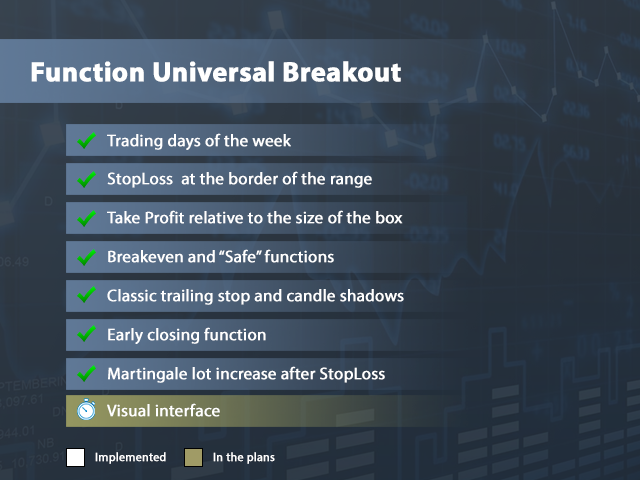
To fix profits and possible losses Take Profit, StopLoss are used, as well as the transfer of positions to Breakeven, trailing stop, as well as the function of early closing of the transaction after a specified time interval.
The Expert Advisor has convenient settings money management, and thanks to the GMT parameter the settings can easily be transferred to any broker's terminal.
Description of Universal Breakout settings.
- Monday, Tuesday, Wednesday, Thursday, Friday - On/Off for the day of the week
- GMT - broker's time shift relative to GMT
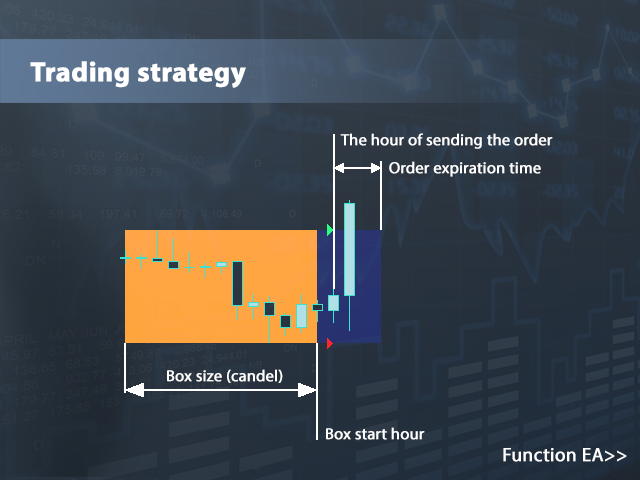
- Box start hour - the hour at which the Expert Advisor starts to search for extrema
- Box size (candel) - number of candlesticks for identifying extrema
- The hour of sending the order - the hour of pending order placing
- Deviation from extremes - indent from extremes for placing pending orders
- Order expiration time (0 - off) - time of pending orders lifetime in minutes
- StopLoss type - stopLoss type
- Fixed StopLoss - size of fixed stop
- Offset from the opposite side - offset from an extremum when working with a dynamic stop
- Take Profit type - Take Profit type
- Fixed Take Profit - size of the fixed Take Profit
- Coefficient from StopLoss - profit coefficient relative to StopLoss size
- Breakeven type - selection of Breakeven or Safe
- Breakeven distance - distance to Breakeven order
- Breakeven profit - level to which the stop is shifted
- Trailling type - selection of trailing stop function
- Trailling distance - trailing stop distance
- Trailling step - trailing stop step
- Trailling min. profit - minimum profit size for trailing stop
- Trailling candels timeframe - time frame for trailing candles
- Number of candles - number of candles for trailing candles
- Close order type - on/off function of early closing
- Number of minutes from opening - number of minutes of waiting for closing by profit before the early close function is activated
- Close with minimal profit - minimum profit in pips to close the order when the early close function is activated
- Close orders on Friday - remove orders on Friday at the specified time
- Closing time Friday - time of deleting pending orders on Friday
- Lot calculation type - type of work lot calculation
- Fixed lot - size of fixed lot
- The amount of risk per transaction - amount of risk in % if dynamic lot is used
- Percentage of the balance - lot calculation in % of the balance.
How to correctly set the GMT parameter in the EA settings?
This parameter defines the difference between the time of terminal and the GMT time. To determine the time of the terminal, open the "Data Window" in your terminal and in the header of this window you will see the time, let's say it is 11:05:21. We need a whole number of hours which is 11. Now we need to determine the GMT time for the current time. Open your browser and any search engine and write "GMT time", open any website and look what time it is now - let's say it is 09:05:21.
Then subtract the GMT time from your time 11-9=2 and we get the parameter, which should be specified in the Expert Advisor settings: +2 GMT. Set +2 GMT in the EA settings on all the charts that you are trading.
Account requirements.
- Minimum deposit: 100$
- Leverage: 1:10 or more (large is not required)
- Instruments: Forex, stocks, indices, commodities
- Account type: ECN, NDD
Use it, leave feedback and post in the discussion what additional features you would like to see in the Expert Advisor.