VR Watch list and Linker MT5
$0
Type: Utilities
Seller: Vladimir Pastushak
Published: 21 July 2015
Updated: 2 May 2024
Version: 24.50
Downloads: 1000




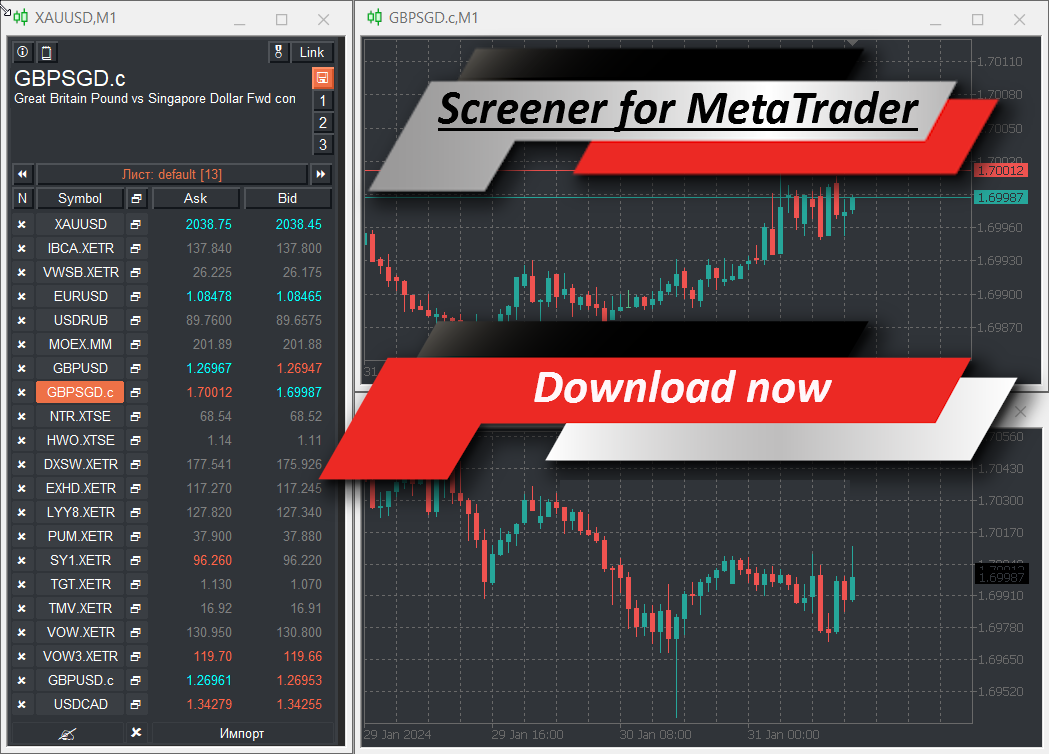
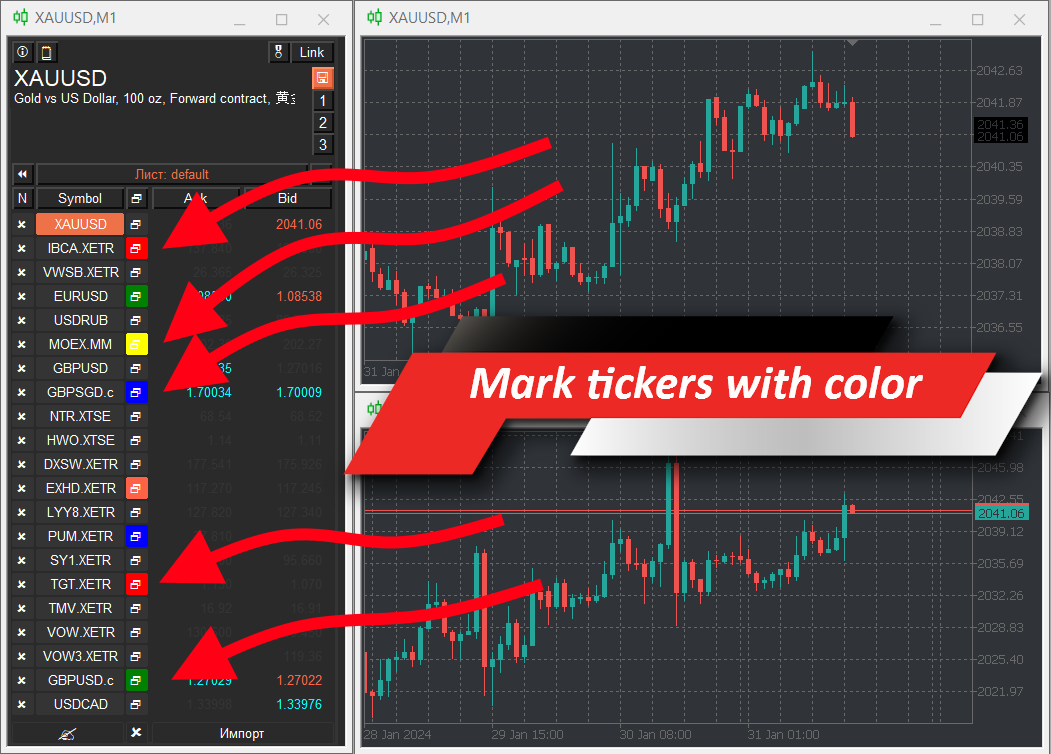
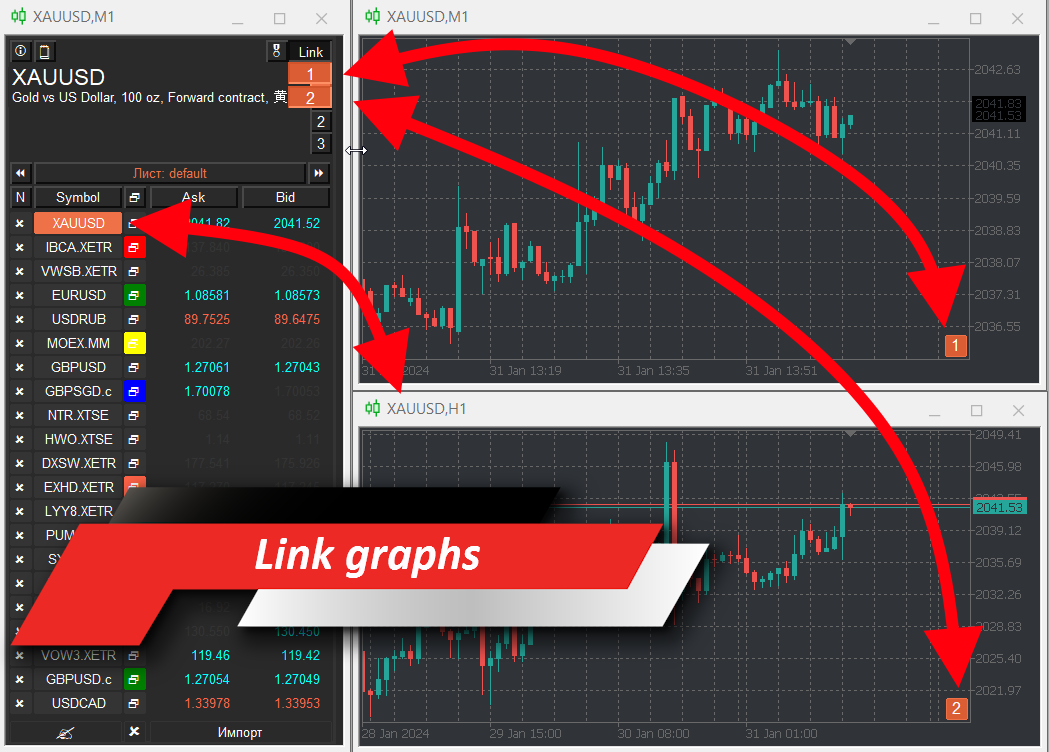
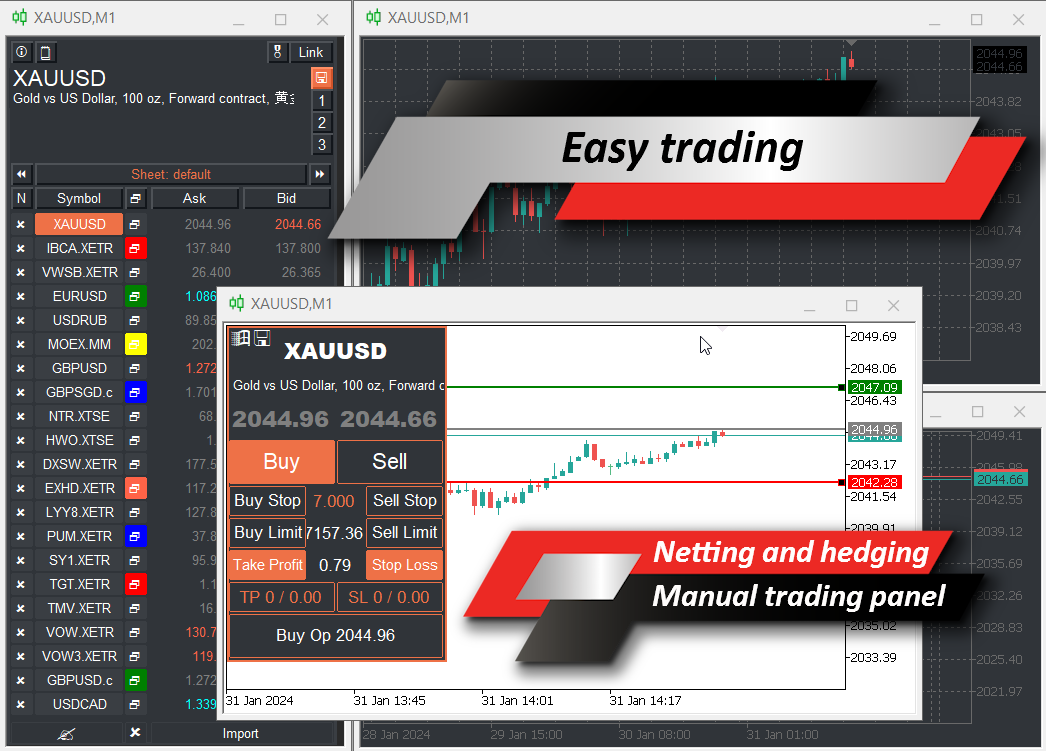
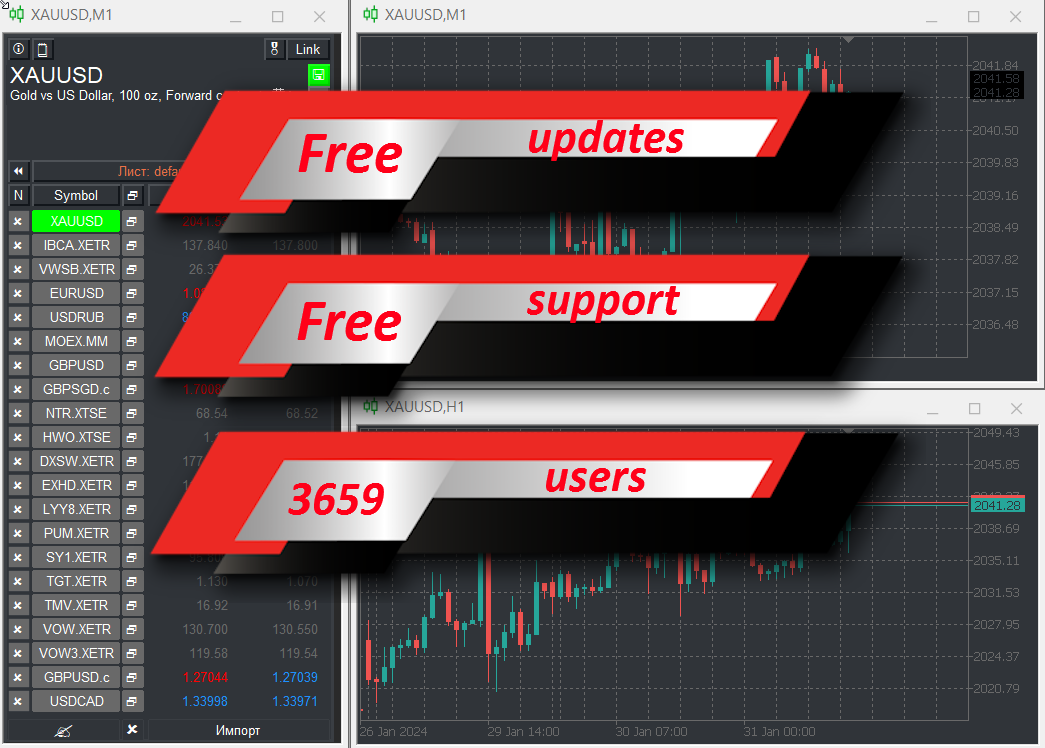
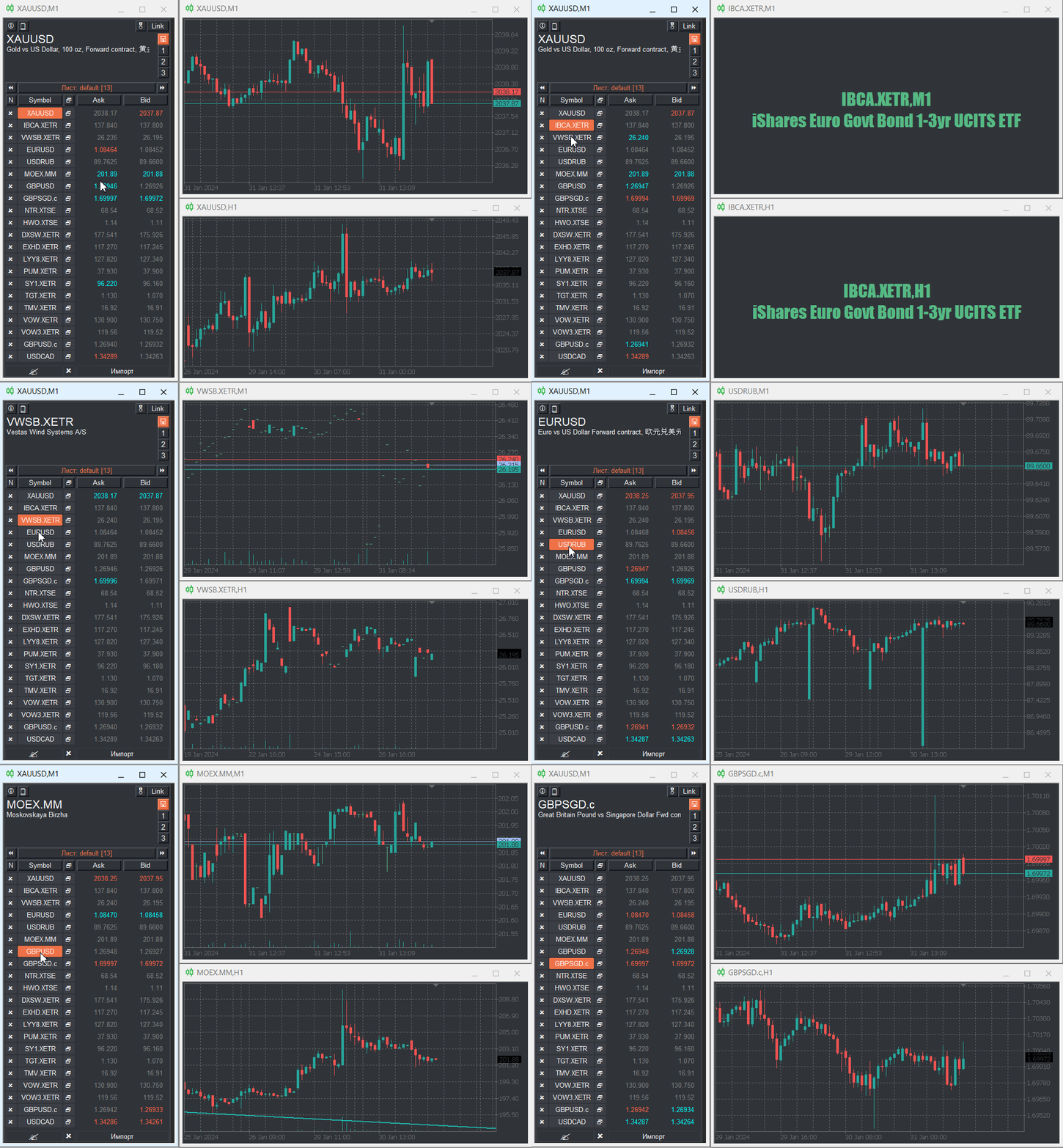
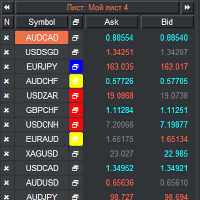
VR Watch list and Linker is a screener application for the MetaTrader terminal. Makes it easier to find the most interesting and technical financial instruments. This screener is used by traders for trading on such exchanges as bybit, Moscow Exchange, American Exchange, foreign exchange and cryptocurrencies market, metal market, and is used for trading in prop companies. The selection of financial instruments is carried out manually. The screener connects open charts in the MetaTrader terminal and, when changing a financial instrument, shows the data in each chart separately.
Settings, set files, demo versions, instructions, problem solving, can be found in
You can read or write reviews at
Version for
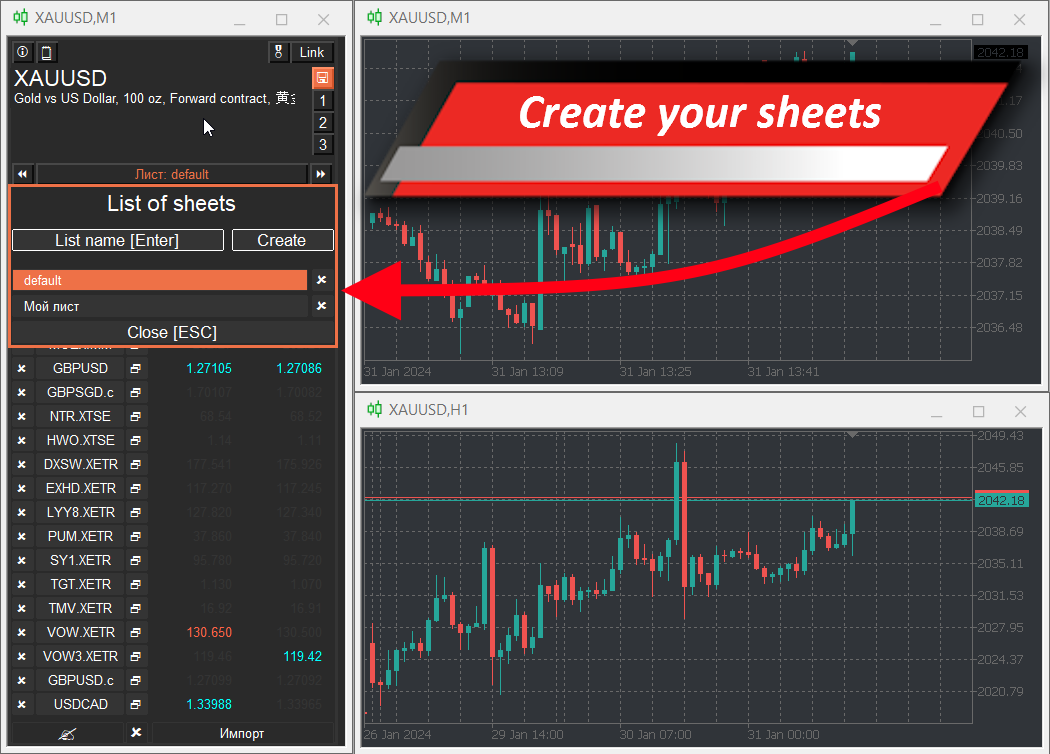
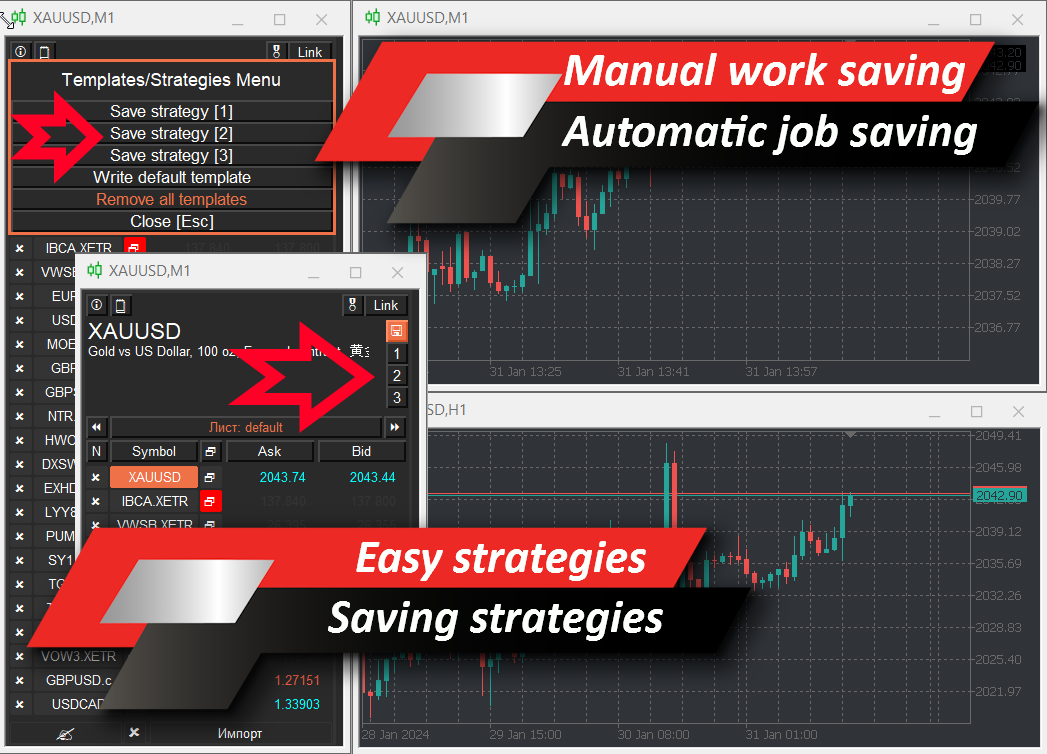
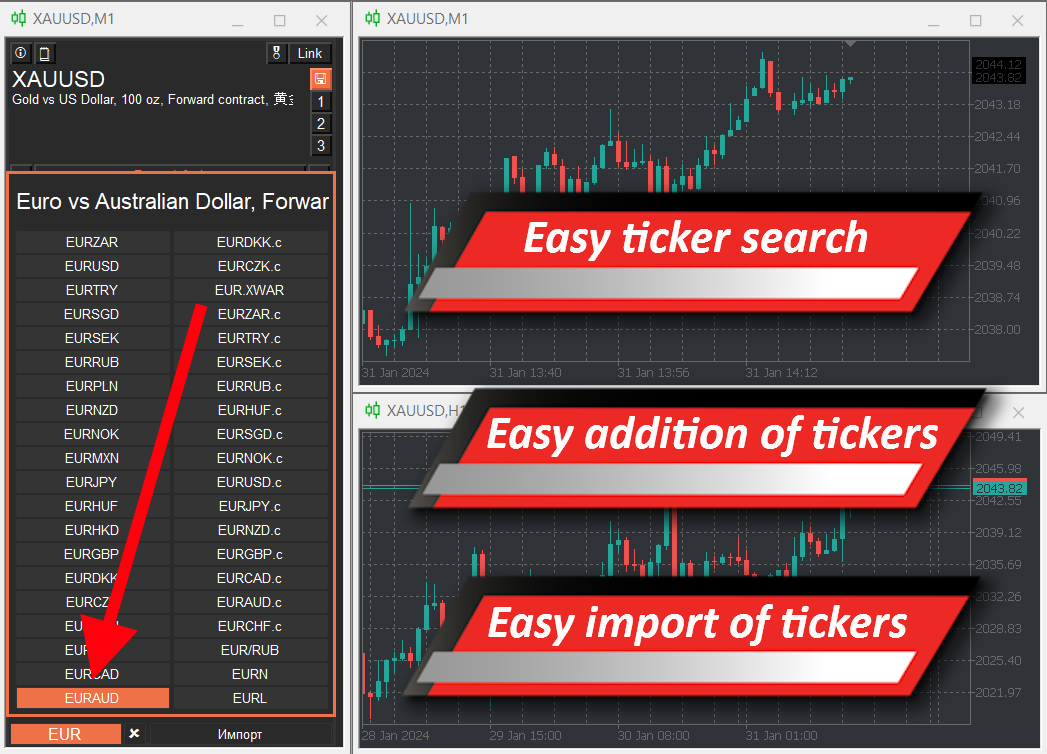
Using a screener helps traders find the most technical financial instruments and exclude trading on instruments with low liquidity and high risk. The screener allows you to easily and quickly create and change sheets with tickers, quickly add and remove tickers in sheets. Save and load trader markups and indicators on all charts. Trade financial instruments directly from the screener. Apply pre-prepared strategies.
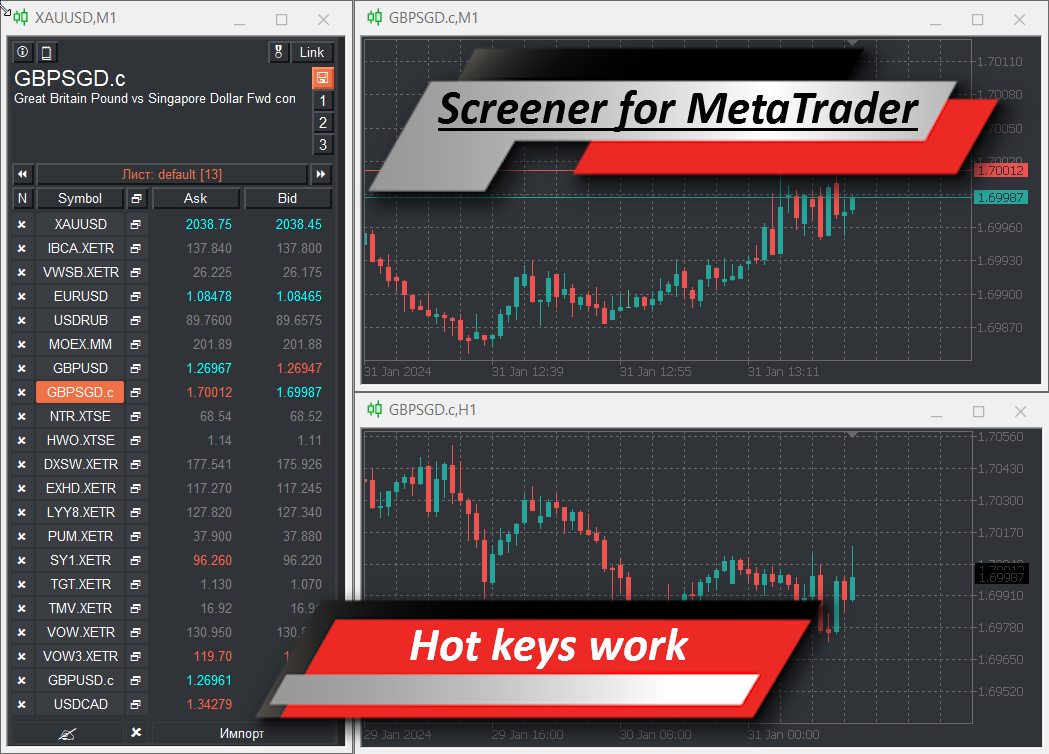
VR Watch list and Linker - supports working with hot keys - this allows you to work with the sheet directly from the keyboard, practically without using the mouse. Thanks to this approach, a trader can select a dozen financial instruments for trading during the day.
The screener is designed as an advisor and requires several open charts to work.
Doesn't work in the strategy tester.
Features of the VR Watch list and Linker screener
- View a list of financial instruments using the keyboard or mouse
- Adding and importing tickers from other screeners like Finviz
- Creating sheets with different sets of financial instruments
- Automatic saving of trader markup and its subsequent loading
- Create and apply analytical strategies without losing data
- Trading financial instruments directly from the screener
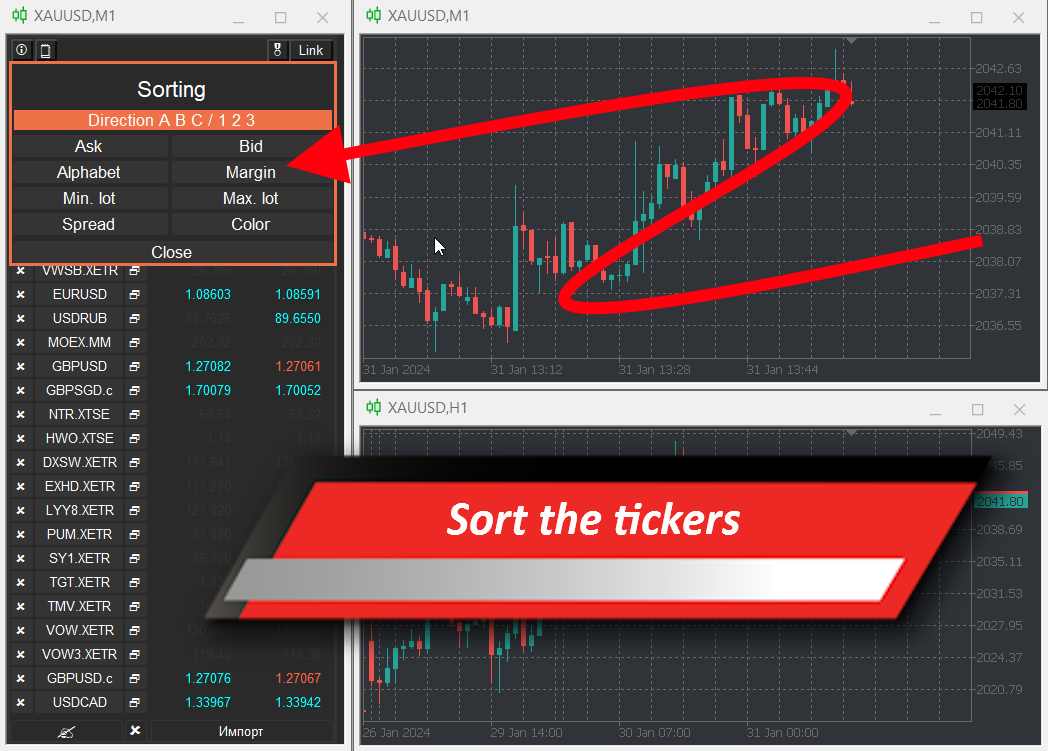
- Sorting financial instruments according to different criteria
- Outputting standard information or information from indicators
- Working with homework based on the lessons of A. Gerchik
Recommended Add-ons
- Indicator synchronizer of levels and markings VR Synck Chart [] []
Screener settings
Colum settings - Column settings
- Update time colum (Milli Seconds) - Time to update column data
- Value column one - Data in the first column
- Value column two - Data in the second column
- Smoothness (Milli Seconds) - Smoothness of the screener
- Double-click to delete - Protection against accidental ticker deletion
Indicator settings - Indicator settings
- Time Frame indicator - Indicator calculation period
- Period indicator - Indicator period
- Custom indicator name 1 Colum - Indicator name in the first column
- Custom indicator buffer 1 Colum - Number of the indicator buffer in the first column
- Custom indicator digits 1 Colum - Number of decimal places in indicator values
- Custom indicator name 2 Colum - Indicator name in the first column
- Custom indicator buffer 2 Colum - Number of the indicator buffer in the first column
- Custom indicator digits 2 Colum - Number of decimal places in indicator values
Sound settings - Indicator sound settings
- Sound - Turn on/off sound
Trade settings - Trade settings
- Magic Number - Unique number of trading orders
- Slippage - Slippage for trading orders
Theme settings - Screener color scheme settings
- Window size - Size of screener elements
- Text size - Text size in the screener
- Theme color (skin) - Preset color scheme
- Selected item color - Color of the active element
- Background color - Background color
- Stroke color - Element edging color
- Text color - Text color
- Up color - Color of elements to increase
- Equality Color - Color of elements without changing the value
- Dw color - Color of elements for reduction
Hotkeys:
Hot keys work only when the window in which the screener is running is active - the selected window. If another window is selected, the hotkeys do not work.
Do not use the [Backspace] key - it may cause the program to crash.
List of hotkeys:
Basic hotkeys:
- Esc - Closes/Disables all additional subwindows and functions.
- A - Move the cursor to the left (Arrow to the left)
- S - Move the cursor down (Arrow down)
- W - Move the cursor to the top (Up Arrow)
- D - Move the cursor to the right (Arrow to the right)
- Enter - Confirm selection
- Delete - Delete the selected item
- Home - Move to the beginning of the list of financial instruments
- End - Move to the end of the list of financial instruments
Working with templates:
- Q - Forced saving of chart templates. It has the highest priority and works regardless of the buttons for auto-saving templates and strategy numbers.
- ~ (tilde) - Enable/Disable automatic saving of chart templates.
- 1 - Enables/Disables the strategy saved under number 1
- 2 - Enables/Disables the strategy saved under number 2
- 3 - Enables/Disables the strategy saved under number 3
Working with tickers:
- T - Activate ticker input field
- Delete - Delete the last character printed. (DO NOT USE [Backspace] KEY)
- I - Open it import tickers
Working with sorting:
- R - Open sort menu
Working with sheets:
- E - Quickly add a ticker to a previously created sheet
- X - List of sheets with the ability to create a new sheet
- Z - Apply previous sheet
- C - Apply next sheet
Tags:
bybit screener, crypto screener, pump screener, screener, screener bot, watchlist screener, free screeners, free cryptocurrency screener, crypto screener, best screeners, scalpstation screener, scalpstation cryptocurrency screener, download screener, screener, screener for scalping, scalpstation screener, screener stocks, Moscow Exchange stock screener, Russian market stock screener, bot screener, chart screener, cryptocurrency screener, bybit cryptocurrency screener, crypto screener, Moscow Exchange screener, bond screener, Russian bond screener, volume screener, cryptocurrency volume screener, open interest screener, screener application, Russian screener, Russian stock screener, Russian market screener, Finam screener, screeners for scalping cryptocurrencies, market screeners, automatic stock trading, types of stock portfolios, return on a stock portfolio, investment portfolio of stocks, what stocks are in the portfolio, selection of a stock portfolio, investors' stock portfolios, stock portfolio, bond stock portfolio, Tinkoff stock portfolio, dividend stock portfolio, stock selection program, stock trading robot, stock exchange trading robots, stock trading market, stock selection service, stock screener, MICEX stock screener , Moscow Exchange stock screener, Russian market stock screener, US stock screener, Russian stock screener, Tinkoff stock screeners, smartlab stocks, building a stock portfolio, stock trading, stock trading in which markets, stock trading for beginners, stock trading on the stock exchange, portfolio building shares