Exp5 COPYLOT MASTER for MT5

$0
Type: Utilities
Seller: Vladislav Andruschenko
Published: 24 August 2015
Updated: 4 November 2024
Version: 24.978
Downloads: 7000





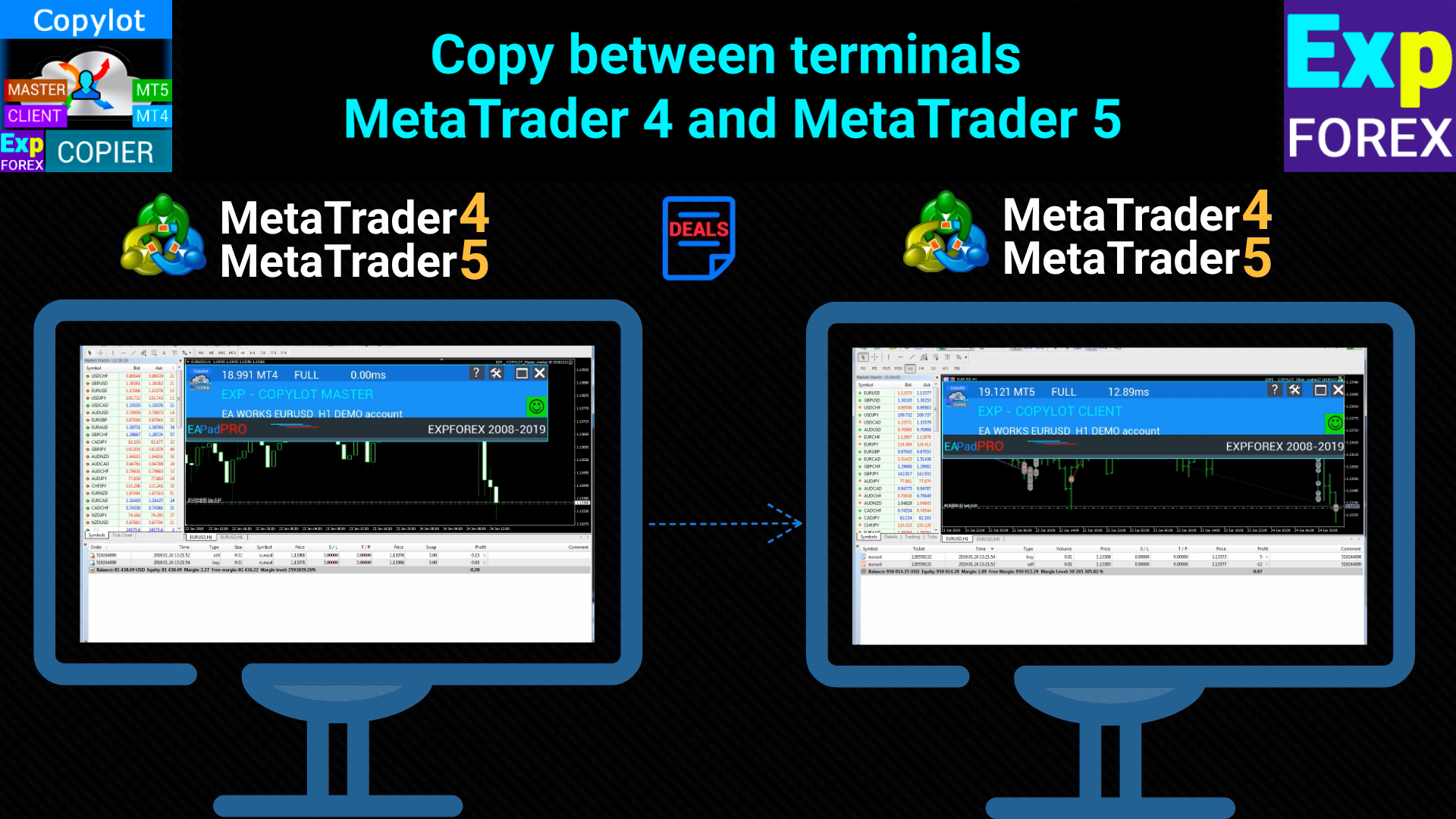
Exp5 - COPYLOT MASTER is a trade copier for МetaТrader 5 and MetaTrader 4. It copies Forex trades from any accounts.
Installation
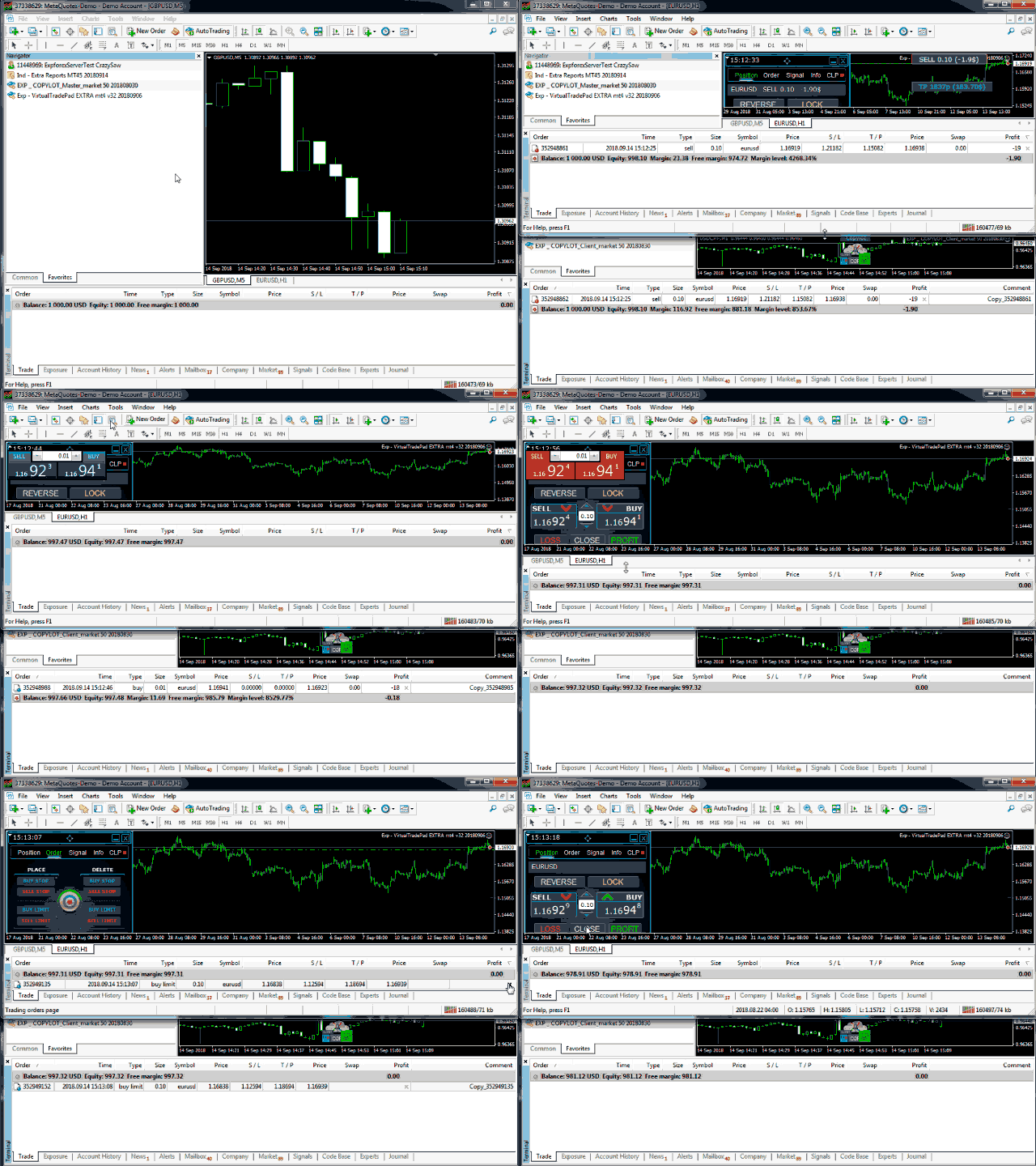
- This Expert Advisor is a master copier. Install the Expert Advisor in the terminal from which you want to copy trades.
- Specify any text label name as pathWrite, for example, "COPY".
- Install COPYLOT MASTER for MT5 on the terminal from which you want to copy trades.
- Then install on the MT4 terminal to which you want to copy. Or for MetaTrader 5
- You can also download
Note: The list of settings can be found on the Comments tab.
The EA needs to be set to 1 Chart! By default, our adviser copies all positions and orders from your account!
Orders are copied upon their activation (Positions) and copied to the client account.
Partial closing is not supported! Orders can be closed only in the same lots as they were opened! If your master uses different lots for closing, then the copier may fail!
# It is one of the best MT5-to-MT4 trade copiers today.
# The unique copying algorithm exactly copies all trades from the master account to your client account.
# The product is also noted for its high operation speed Tough error handling. A powerful set of features.
# All these qualities are combined in a single program - EXP - COPYLOT.
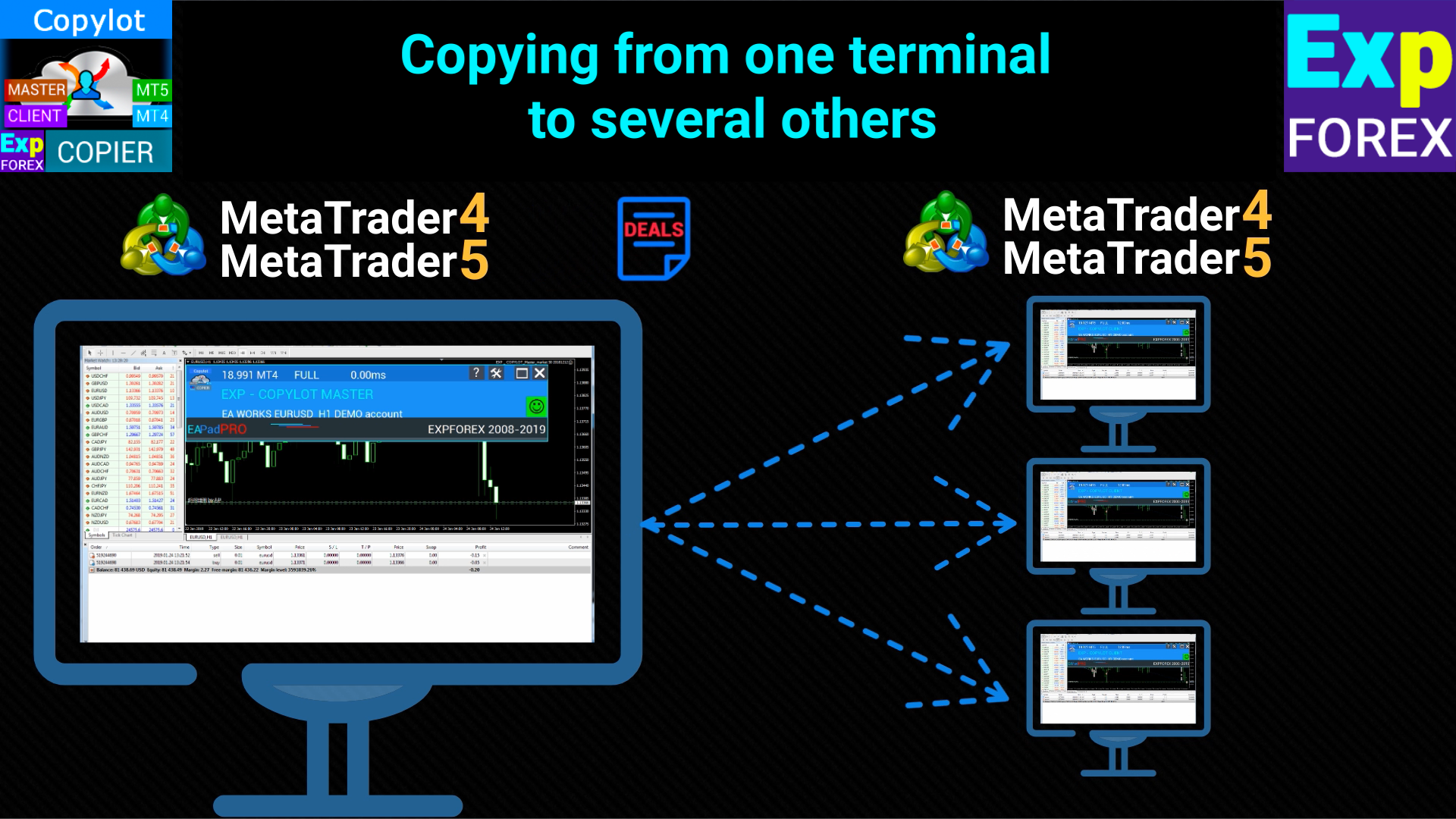
# The program can be run on multiple terminal bindings.
# Use it as a synchronizer of your trades on various investor accounts trading on one account, - COPYLOT will copy your trades to other terminals.
#tags Copy Копировщик copy trades copy trade copier fast copy kopir, Expforex, Vladon,
Master Settings. From where signals will be copied
pathWrite: Specifies the file path where current positions/orders are saved. Ensure the path has no spaces or special characters. This label is used to link the master and client terminals.
SymbolToCopy: Defines which symbols to copy. If left empty, all symbols will be copied. Multiple symbols can be listed, separated by commas.
SymbolNOtToCopy: Specifies which symbols not to copy. If left empty, all symbols will be copied. Use this field to exclude specific symbols.
typeToCopy: Controls which type of positions to copy. Options: all positions, only BUY, or only SELL.
CommentToTCopy: Copies only positions with a specific comment. If left blank, all positions are copied. Multiple comments can be specified, separated by commas.
CommentToNOTCopy: Prevents copying of positions with specific comments. If left blank, all positions are copied. Multiple comments can be specified, separated by commas.
MagicToCopy: Determines which positions based on a specific magic number will be copied. Multiple magic numbers can be specified, separated by commas.
MagicStartToCopy: Copies positions where the magic number starts with a specific digit. Specify the first digit of the magic numbers.
MagicToNOTCopy: Excludes copying positions with specific magic numbers. Protects against copying on the same account. Use to avoid duplication on the same account.
SLEEPING: Sets the delay in milliseconds between copier executions. The smaller the value, the faster the copying, but it uses more system resources.
ComentShow: Displays a table on the chart with details of current positions that are being copied.
OpenHour/OpenMinute, CloseHour/CloseMinute: Defines the time window during which the copier will operate each day.
STOPbyDD and PercentDDMAX: Stops copying if the drawdown on the master account reaches or exceeds a certain percentage (PercentDDMAX). Useful for avoiding excessive losses.
StartbyDD and PercentDDMIN: Starts copying when the drawdown on the master account exceeds a certain percentage (PercentDDMIN). Used for strategies that benefit from trading during drawdowns.
STOPbyOP and PercentOPMIN: Stops copying when the profit on the master account reaches or exceeds a certain percentage (PercentOPMIN). Prevents further copying when a target profit is achieved.
STARTbyOP and STARTPercentOPMIN: Starts copying when the profit on the master account exceeds a certain percentage (STARTPercentOPMIN).